How to change my invoice details on Freemius
- Access the Freemius user dashboard using the email submitted when making the purchase.
- Go to the My Profile tab and locate the Billing section.
- Enter your Company Name, corporate address, and VAT/Tax ID, etc. (fig. 1). Submit the updated details to save your billing profile.
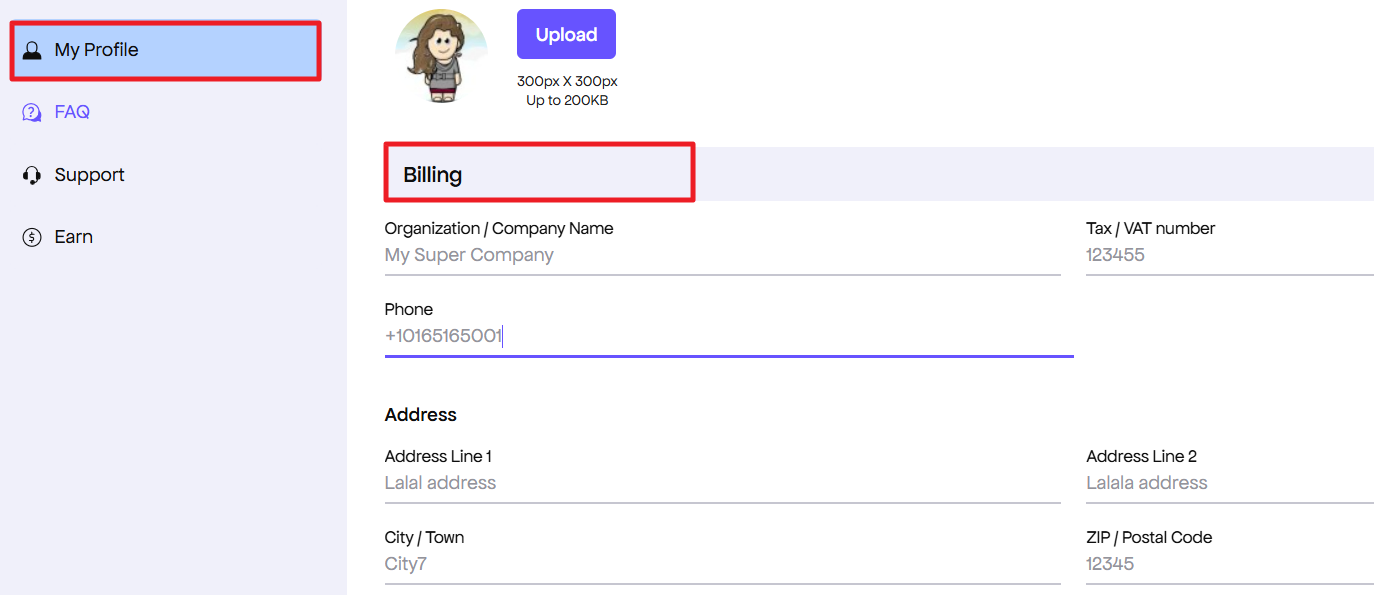
Fig.1. Update billing info.
- Head over to the Orders / Billing History tab. Re-download the invoice for your purchase (fig. 2) – Freemius will dynamically update the document to show your business details instead of the personal name.
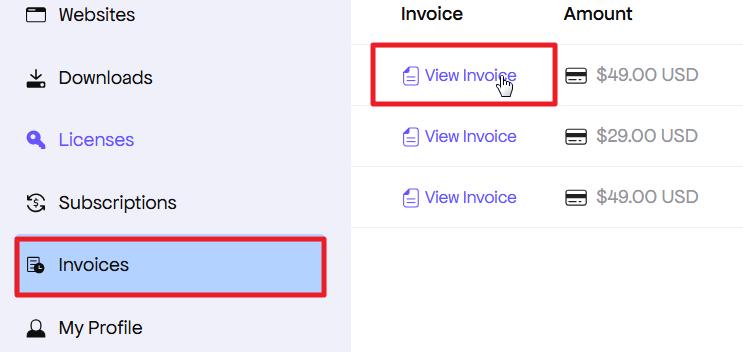
Fig. 2. Download new invoice.
Please note that changes may take some time to be reflected.